ThreadMix
Point ThreadMix at your music. It listens to every track, then plays one continuous mix: it picks what comes next, matches tempo and key, and blends each record into the next the way a DJ would. All night, on your own computer.
Everything a DJ does between records, and some things they don't: the choosing, the mixing, the talking, and a light show.
Beatmatched, key-aware blends. Splits songs into vocals, drums, bass and the rest, for acapella blends, drum swaps and mixes that never talk over the singing.
Type "keep it deep", "take it to peak time" or "plan a three-hour party that starts chilled", and it shapes the night to match. Turn it on in Settings > Playback.
Between songs the DJ says a line out loud, over the music, and has something to say about the record that's playing. It talks when chat is on.
Transcribes lyrics, for a lyrics visualizer and a keep-it-clean mode that skips explicit songs.
More than a dozen visualizers that move with the music, a festival main stage among them, and a party view big enough to read from across the room.
Your music and everything the AI does stay on your machine. The models download once; nothing you play is sent anywhere.
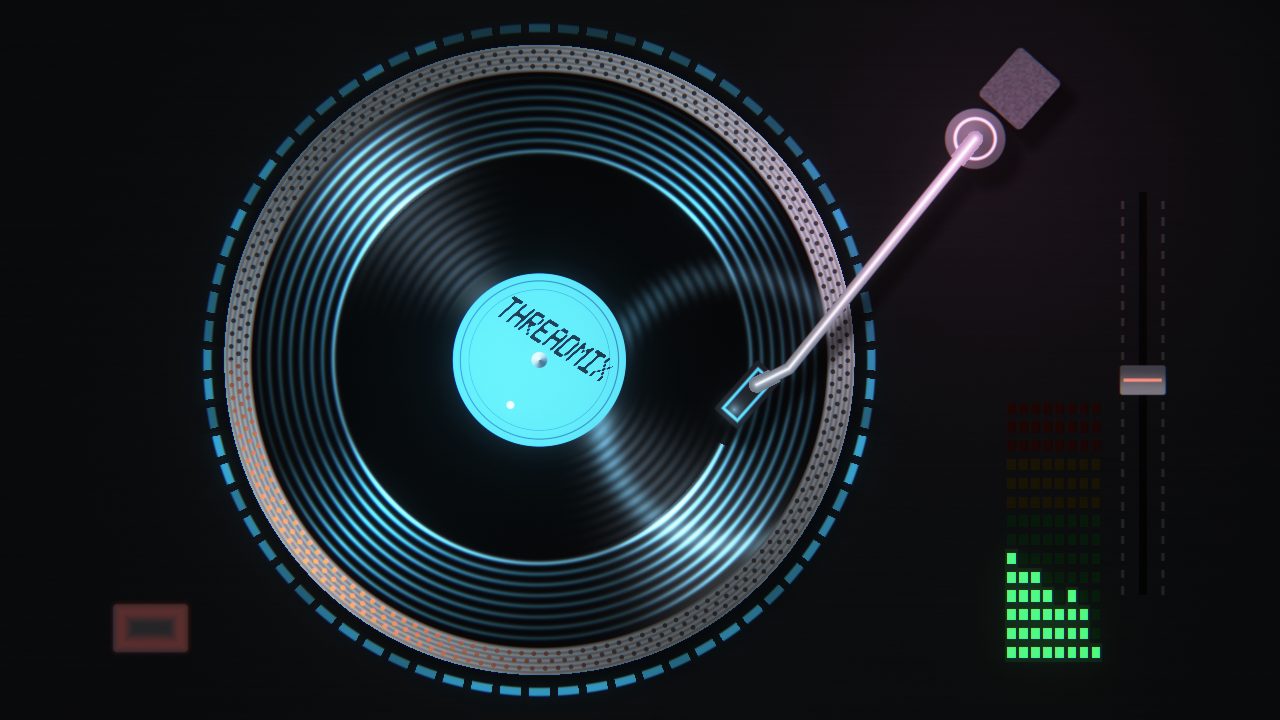
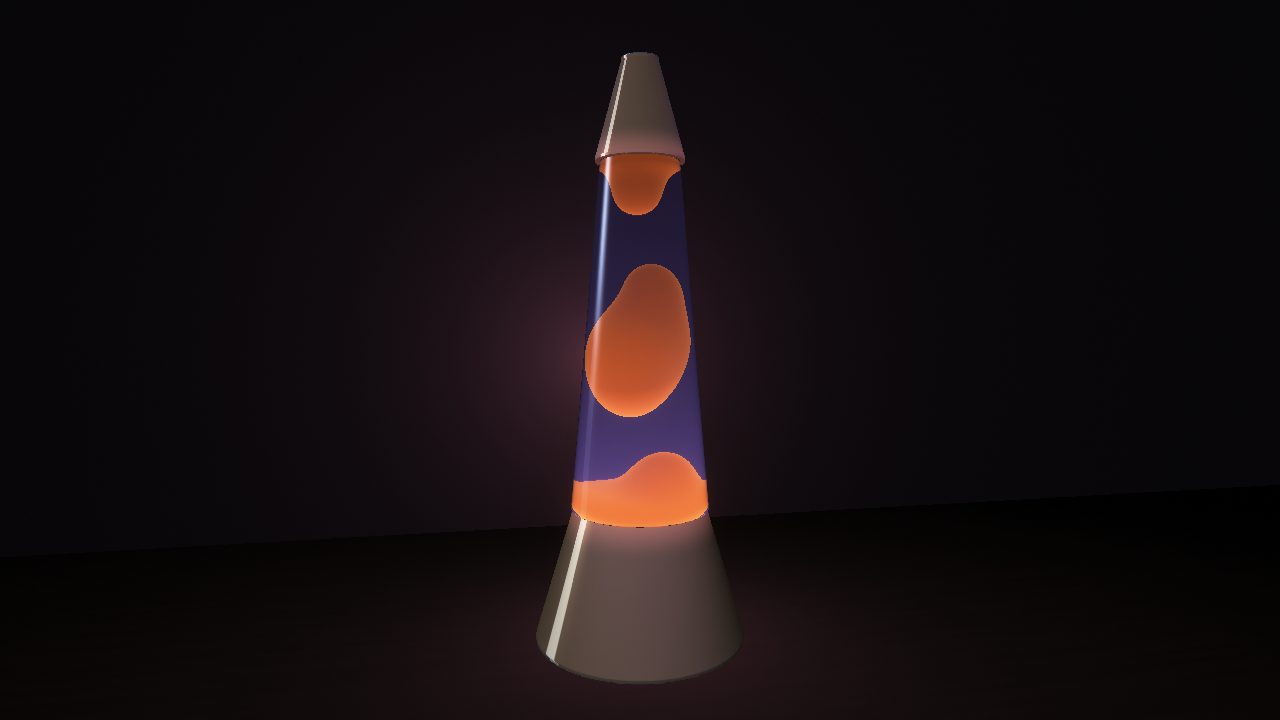
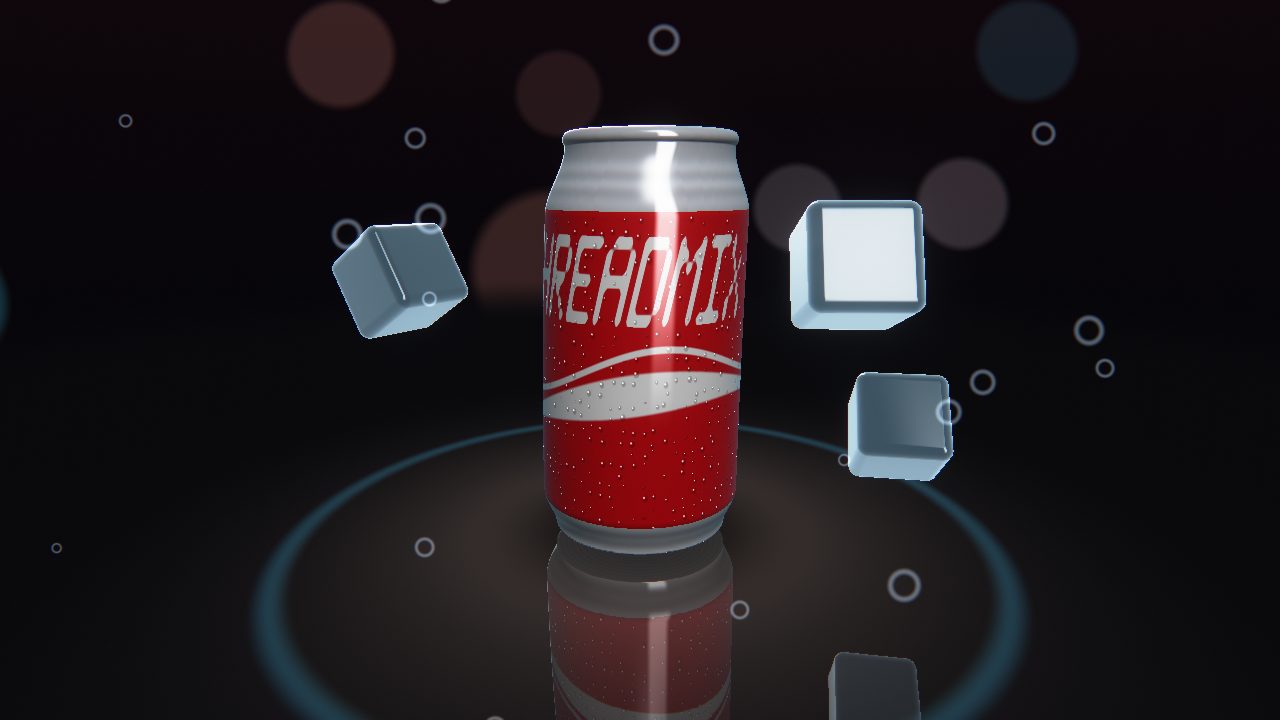
Each one reacts to the beat, the bass and the vocals, and they change on their own through the night. A few of them:
Four steps, and the first one only happens once.
The download has the app. The AI models are optional and download from inside the app on first launch, from each model's publisher.
| Windows | Windows 10 or 11, 64-bit. |
|---|---|
| Linux (beta) | 64-bit PC: Ubuntu 22.04, Debian 12, Fedora 36 or newer, or a distribution based on one, such as Linux Mint 21 or Pop!_OS 22.04. The AI parts need a processor from 2013 or later (with AVX2); without one the DJ plays without its language model. |
| macOS | A Mac with Apple Silicon (M1 or later), macOS 14 or later. |
| Graphics | On Windows, an NVIDIA card (RTX 20-series or newer, with a recent driver) makes the AI parts much faster. Without one, everything still works, just slower. On Linux the graphics-card download runs the DJ's brain and the lyrics on any card with a Vulkan driver (AMD, Intel or NVIDIA), and falls back to the processor without one; the processor-only download is smaller and always uses the processor. |
| Memory | 8 GB to play. 16 GB for the DJ's brain, the language model that chats, plans and talks between songs. |
| Disk space | About 2 GB for the app on Windows (24 to 62 MB on Linux, 275 MB on a Mac), up to 8 GB for the models, and about 20 MB for each song it splits into stems. |
| Music | MP3, FLAC, WAV and OGG files, in any folder layout. |
That's SmartScreen being careful with an app it hasn't seen many downloads of yet. Click More info, then Run anyway.
There are two Linux downloads. Take the graphics-card one unless you know the computer has no graphics card worth the name: it runs the AI parts on the card through Vulkan, which every current desktop's graphics driver includes, and on the processor where there is none. The processor-only one is the same app, smaller, and never touches the card.
Either is an AppImage: one file, nothing to install. A downloaded file is not allowed to run until you make it executable, so double-clicking it straight away does nothing useful. Make it executable, then double-click it:
GNOME (Files): right-click it > Properties > turn on Executable as Program.
KDE (Dolphin): right-click it > Properties > Permissions > tick Allow executing file
as program.
Or from a terminal:
chmod +x ThreadMix-Linux-*.AppImage
./ThreadMix-Linux-Vulkan-x86_64.AppImage
If it says no suitable fusermount was found, install FUSE
(sudo apt install fuse3, or fuse3 from your distribution), or start it
with APPIMAGE_EXTRACT_AND_RUN=1 in front. It plays through your system's sound
(PipeWire or PulseAudio), and downloads the models with your system's curl. If it cannot start
on your system, it says why in a window and in
~/.config/BeatMix/logs/startup-error.txt.
Open the downloaded zip if your browser has not already, and drag ThreadMix into your Applications folder. The app is not signed by Apple yet, so the first time you open it macOS stops it:
If it says Apple could not verify ThreadMix, click Done, then go to System Settings > Privacy & Security, scroll down and click Open Anyway next to ThreadMix, and confirm.
If it says ThreadMix "is damaged and can't be opened", it is not damaged: macOS says this
about apps that are not signed. Open Terminal and run
xattr -dr com.apple.quarantine /Applications/ThreadMix.app, then open it again.
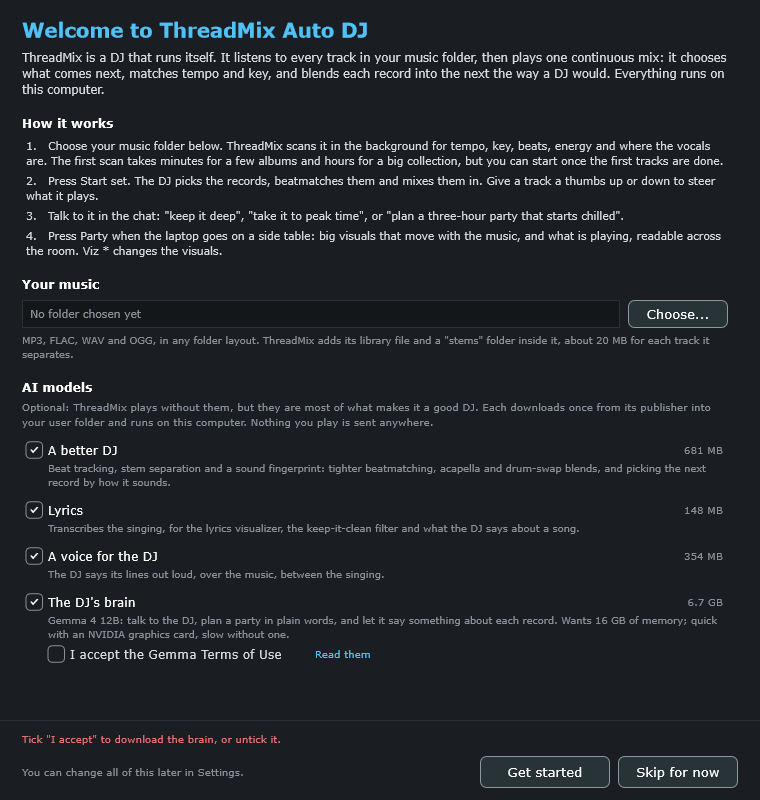
The welcome screen offers four, and ticks the ones that suit your computer:
You can change your mind later in Settings > Manage models.
Your music folder is only read. The library and the separated stems go in a data folder
of their own, which you choose on the first launch and can move in Settings > Library.
On Windows that is %LOCALAPPDATA%\BeatMix\Library unless you choose another, the
models go in %LOCALAPPDATA%\BeatMix\models, and the settings in
%APPDATA%\BeatMix. Uninstalling from Windows Settings removes the app; delete
those folders too to remove everything. On Linux all three go in
~/.config/BeatMix; to remove everything, delete the AppImage and that folder
(and the data folder, if you moved it).
The Mac version is an older one, which still keeps its library file and a
stems folder inside your music folder. Its models and settings go in
~/Library/Application Support/BeatMix; to remove everything, move the app and
that folder to the Trash.
ThreadMix is built on open-source software, and the complete source code of each version is attached to its release on GitHub.
ThreadMix's own code is under the
GNU GPL v2 or later.
The app is distributed under the GNU AGPL v3
(it is built with JUCE), and its library scanner under the GNU GPL v2
(it uses QM-DSP). It also includes
llama.cpp,
whisper.cpp,
ONNX Runtime, Signalsmith Stretch and libebur128 (MIT),
espeak-ng (GPL v3 or later), libvorbis (BSD),
dr_libs, stb and SQLite (public domain), and on Windows NVIDIA's CUDA and cuDNN runtime libraries
under NVIDIA's redistribution terms. On Linux it uses the system's ALSA and libcurl, and the
AppImage carries a few of the system's libraries, each with its licence. The full list is in the
licenses folder next to the app on Windows, inside the AppImage on Linux, inside the
app on a Mac (Contents/Resources), and in the source code.
The downloadable models keep their own licences, shown in the app before each download: Beat This! (MIT), HT-Demucs (MIT), CLAP (Apache 2.0), Whisper (MIT), Kokoro (Apache 2.0) and Gemma (Gemma Terms of Use).